You can cancel your live event after it is created.
1. Click "Event list" button in the left sidebar and all the created events will be listed.

2. Click the event you want to cancel on Event list.
3. Click "Edit" button in the upper right corner, then "Save" button will be shown.


4. Click "Cancel event" button to cancel the selected event.

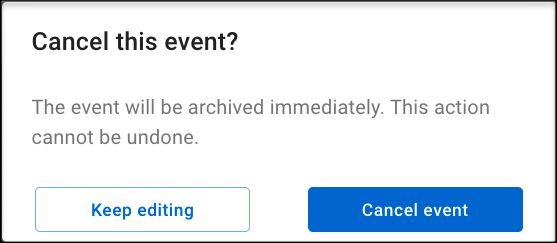
5. Notification of "Cancel this event? The event will be archived immediately. This action cannot be undone.” will pop up, please click "Cancel event" button again to cancel your event.
6. After you cancel the event, web page will automatically return to Event list. Then, event status will change to "Canceled".

Important: Event only can be canceled no later than "Preview" status. When the event is on air, the event cannot be canceled any longer.